Description
Using the videos and guide, the ability to print personalised certificates from SIMS or Bromcom can be achieved quite simply. With data that has already been captured, such as award or citation points, attendance, etc, this can be used to print off awards related to what has been achieved.
As an example, a field can be set for a year group and who within that year group has achieved 93-96% attendance and, by following the guide, a personalised Bronze Certificate can be printed off for each student who has achieved this.
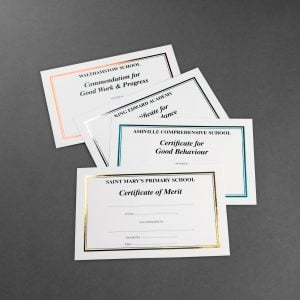
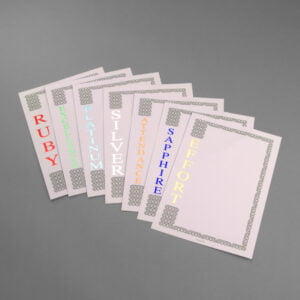
The Edward style A4 certificates are suitable for using in a printer and give a professional finish. These are ideal for use in conjunction with SIMS or Bromcom.
There are downloadable templates to assist with setting up on SIMS or Bromcom. See also the “Printing Template and Instructions” and “Printing from SIMS” tabs on this page for further help and information.
Edward style printable certificates are produced using laser printer friendly foil block on laser guaranteed board enabling you to issue personalised certificates with a professional finish.
The Bronze, Silver, Gold and Platinum wording can be used for progressive stages of achievement.
If you have any questions please get in touch and we will be happy to help you.
The training videos have been produced by our partner School ICT Services Ltd who are an accredited SIMS support provider. For further details on their SIMS support services please click the link – SIMS.